

Hello, everyone!
If you’ve had a chance to look at our Learn site, you may have noticed that many of our images of breadboards feature a “Made in Fritzing” tag. So what exactly is Fritzing?
In their own words, “Fritzing is an open-source hardware initiative that makes electronics accessible as a creative material for anyone. [They] offer a software tool, a community website, and services in the spirit of processing, fostering a creative ecosystem that allows users to document their prototypes, teach electronics in a classroom, and lay out and manufacture professional PCBs.”
At Digilent, we use Fritzing to present educational concepts. A lot of our Learn projects feature Fritzing. A number of our parts (with more being added regularly) are in Fritzing Projects (search for Digilent) and in the user-created parts repository. From designing circuits to demonstrating new concepts, we use Fritzing for showing people what we’re working on. We also use some Fritzing graphics in our inventories for our Learn projects. (The one shown below is from a project about debouncing circuits with libraries.)
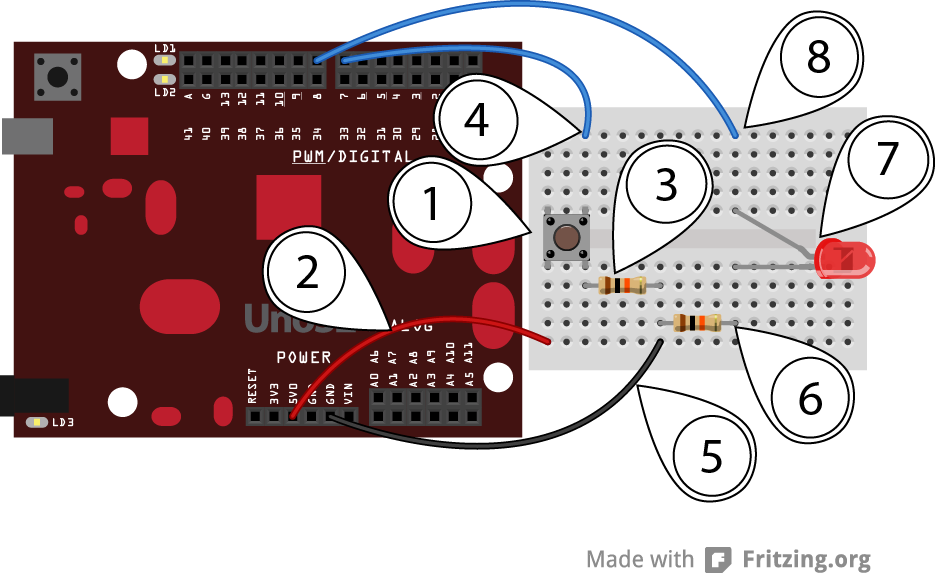
Both Fritzing and Digilent intend to continue to work together to fulfill our common educational missions and goals. We would both like to see everyone learning how to use hardware and software to learn programming and to teach electronics.
Check back over the next few weeks to see a couple more posts featuring Fritzing, including a tutorial or two!
One of our favorite parts about creating a project is that we get to create tutorials. This is in part because it allows us to remember what we did (so we can recall what we’ve accomplished and have a reference in case we ever forget how we did it) and because then we get to see people adapting and improving on our projects.
However, one of the huge struggles in documenting electronic projects is photographing your circuits and connections.
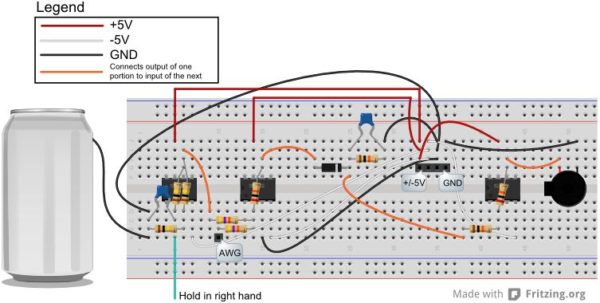
Luckily, at some point along the way, we were shown Fritzing, and it quickly became one of our favorite tools for documenting circuit projects. We like Fritzing because it’s so easy to document in breadboard view.
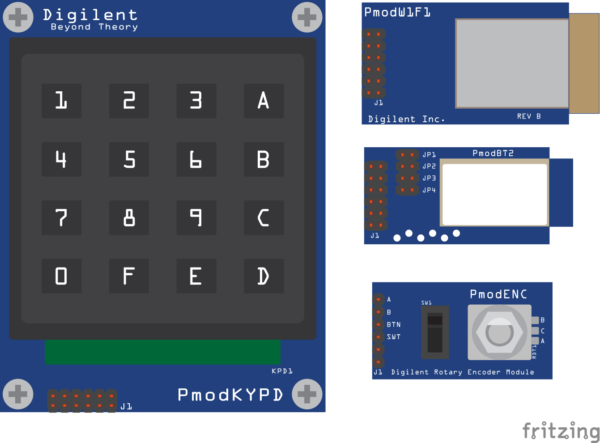
We have created over 60 Fritzing parts for our Pmods, so that you can add a large variety of sensors, converters, and IO to your projects.
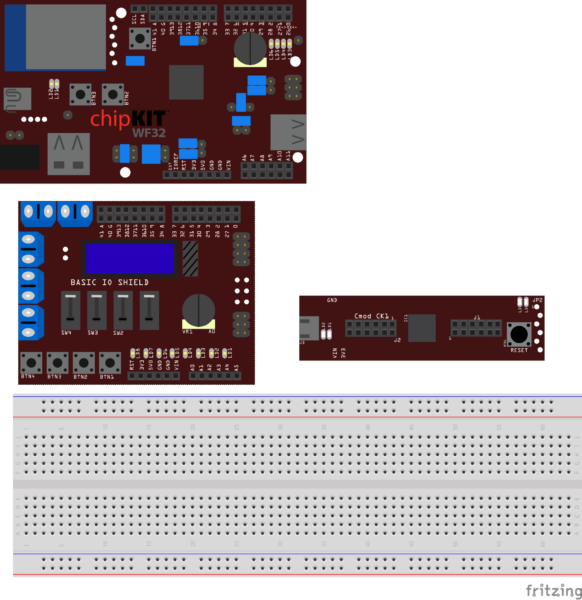
We also created a selection of Fritzing parts for our microcontroller boards.
As well as some NI Adapter boards.
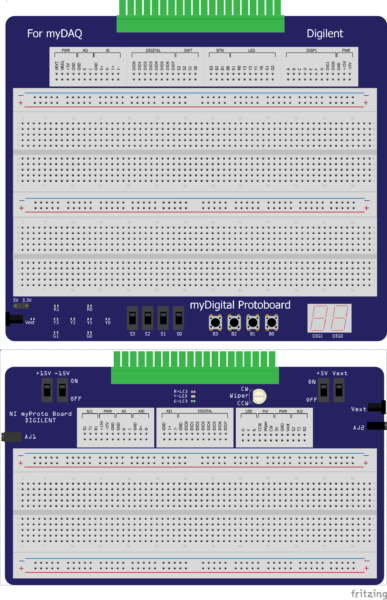
And last but certainly not least, the Analog Discovery 2.
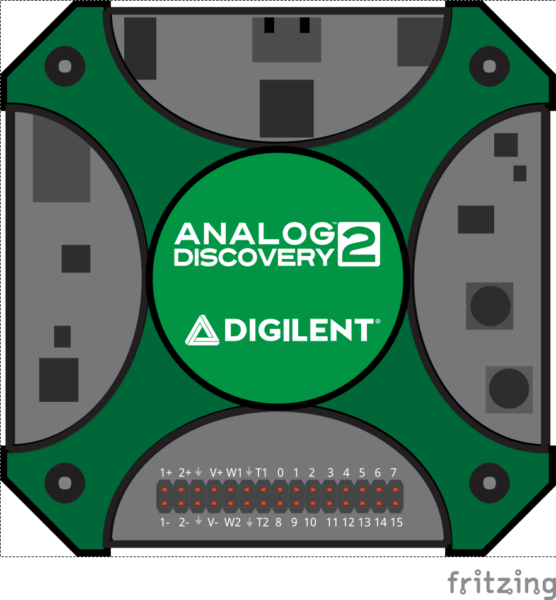
The best place to find the Fritzing parts we’ve created is on our Wiki, located on each product’s documentation page. So if we want the Fritzing Part for the Analog Discovery 2, we go to the Wiki, click on Analog Discovery 2, and find the Fritzing part link.
Specific to the Analog Discovery 2, we’ve added a Fritzing project that contains the part and all the wires. That way, whenever you want to use the part, you don’t have to create and change the color of every single wire. Just open the project and add your other components.
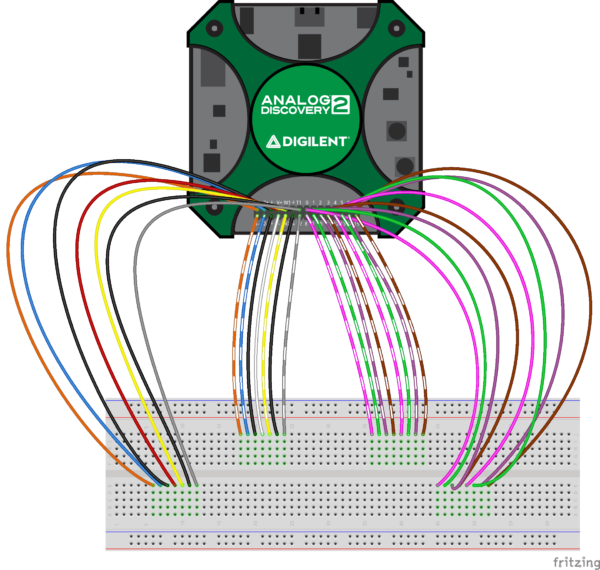
If you don’t see a Fritzing part for a product you like, we’ve created several tutorials on how to create your own parts. And of course we always want your feedback on what you like to use!
Continue to follow the Digilent blog as new parts and new tutorials will always be announced here.


