

Our applications and systems engineering manager, Sam B., has had an exciting project sitting on his desk for a long time that we finally get to see. Originally, his project was the Zedbot, a Linux-based robot that uses the Zedboard.
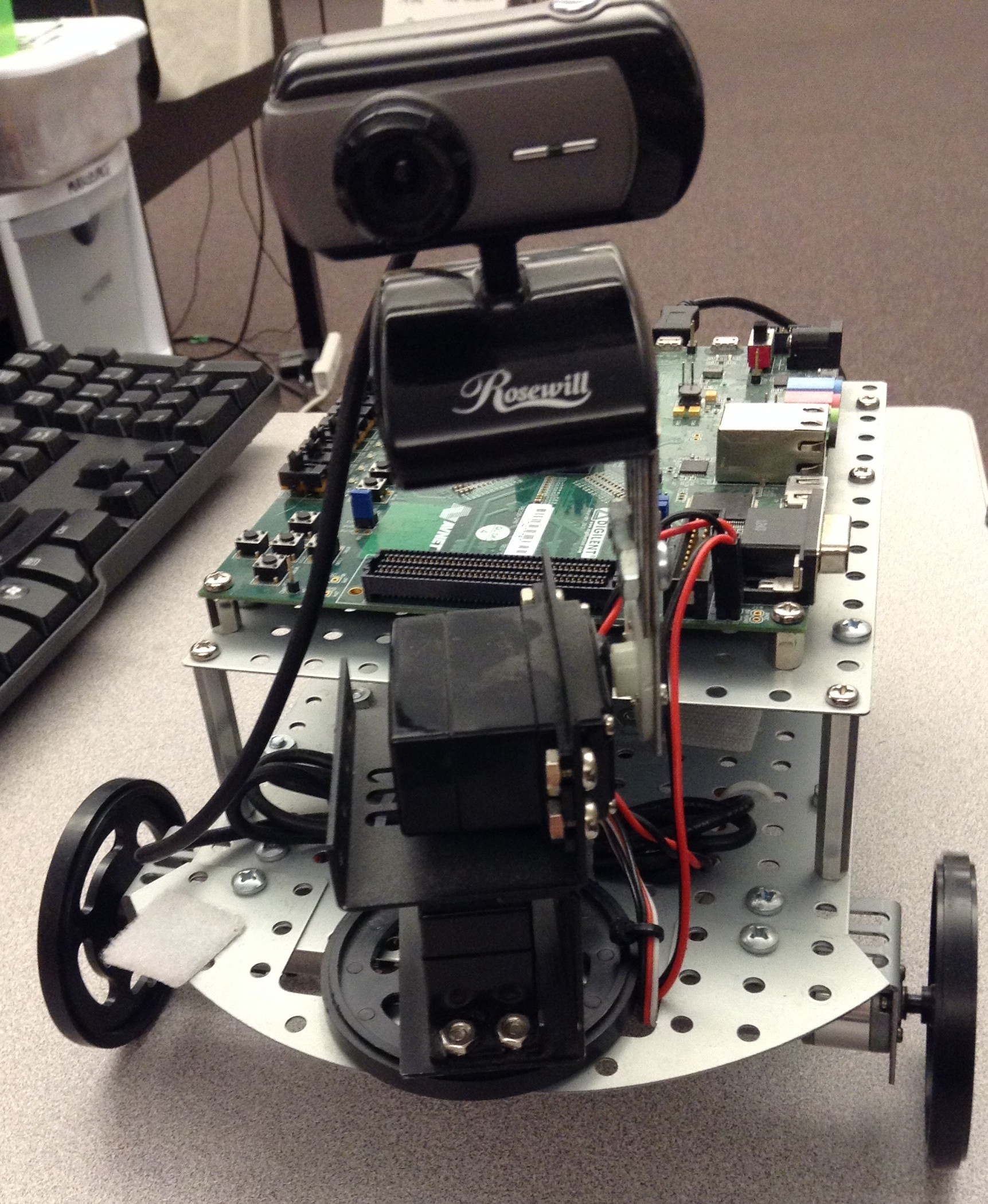
This takes embedded Linux on an FPGA and merges it with the world of robotics. It uses FPGA, Linux, servers, networking, and working with specialized hardware libraries, like that of the Xbox controller. Awesome!

Josh and I finally got a chance to see his project. We then worked with him to create the ZYBOt. It’s the same basic design, but done on a ZYBO, a lower-cost board. After working on the ZYBOt for some time, we’ve got it working so that we can now show it off to the world, just in time for ECEDHA in Hilton Head, SC. We will be bringing the ZYBOt and our LED display to ECEDHA.
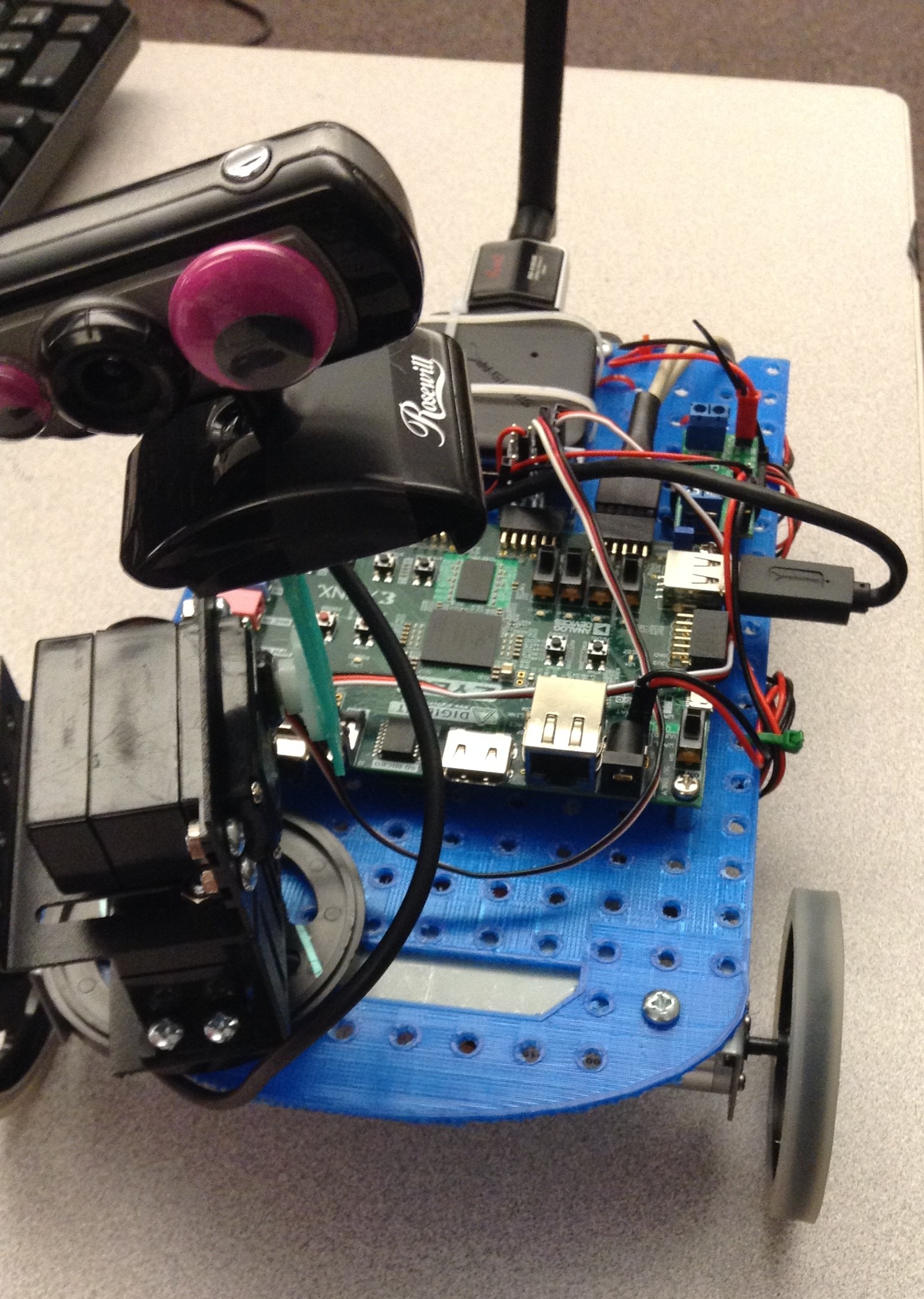
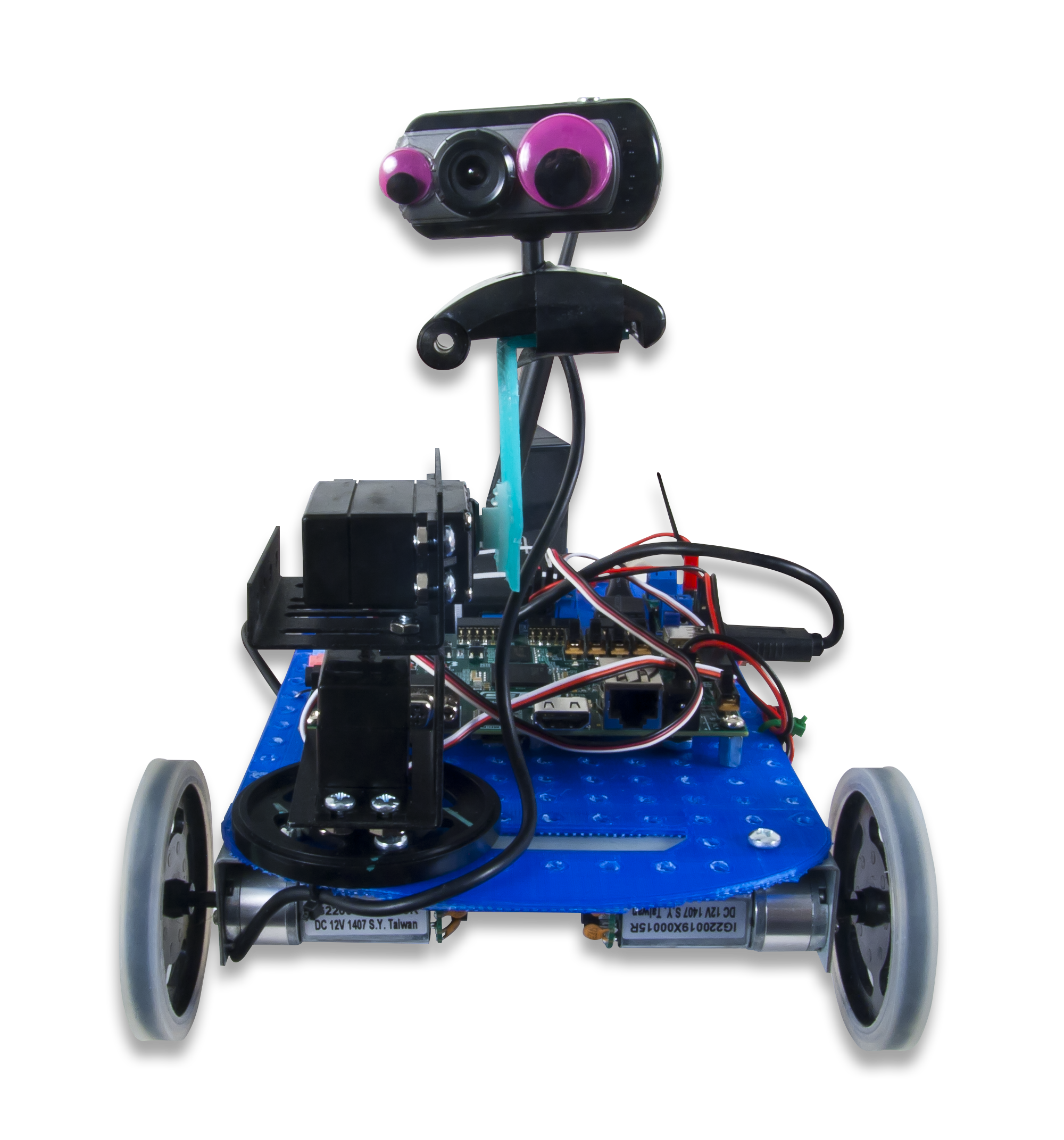
The ZYBOt is a robot with a camera that transmits the camera feed and is controlled by an Xbox controller wirelessly. We’ve had a lot of fun trying to drive it from one side of the office to the other using the controller and the camera feed as our guide. The ZYBOt is a great project for people who want to dive into working with FPGAs and Linux.

Not only are we ready to show off the ZYBOt to the world, but we’ve also created a collection of Instructables so that you too can make your own ZYBOt. We even recorded a video about it. In the Instructables, we cover all of the hardware, software, and power considerations required to make your very own ZYBOt at home. I also added a short Instructable about troubleshooting some of the problems you might face.
The ZYBOt Guide
We wanted to make an all-inclusive guide on our Wiki — something that would be the authoritative guide for the ZYBOt project. I’m very excited to announce the (Ultimate) ZYBOt Guide. The guide is portioned into logical sections, much like the original Instructables:
- The Parts List
- Dual Booting Windows and Linux
- Loading Ubuntu onto the MicroSD Card
- Setting up the ZYBO
- Setting up the Software
- Building the Zybot
- The Controller
Check out the Ultimate Guide to building your own ZYBOt!


