

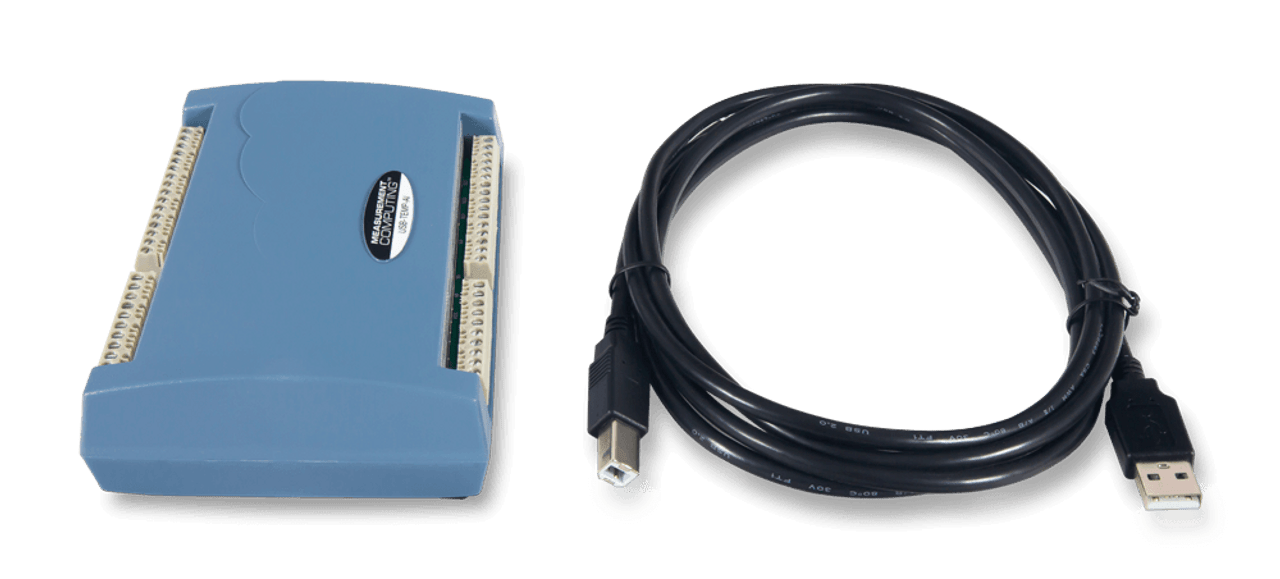
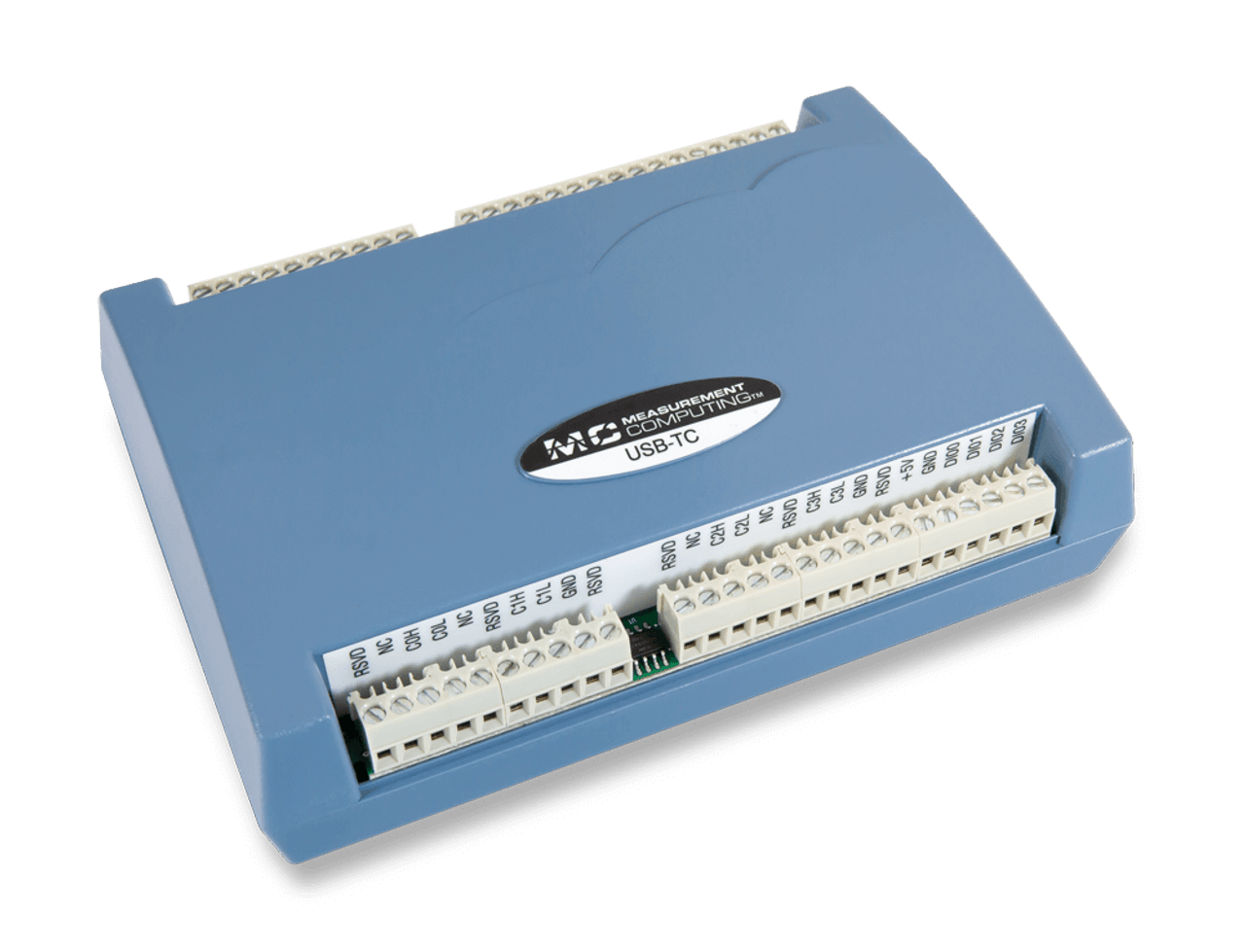
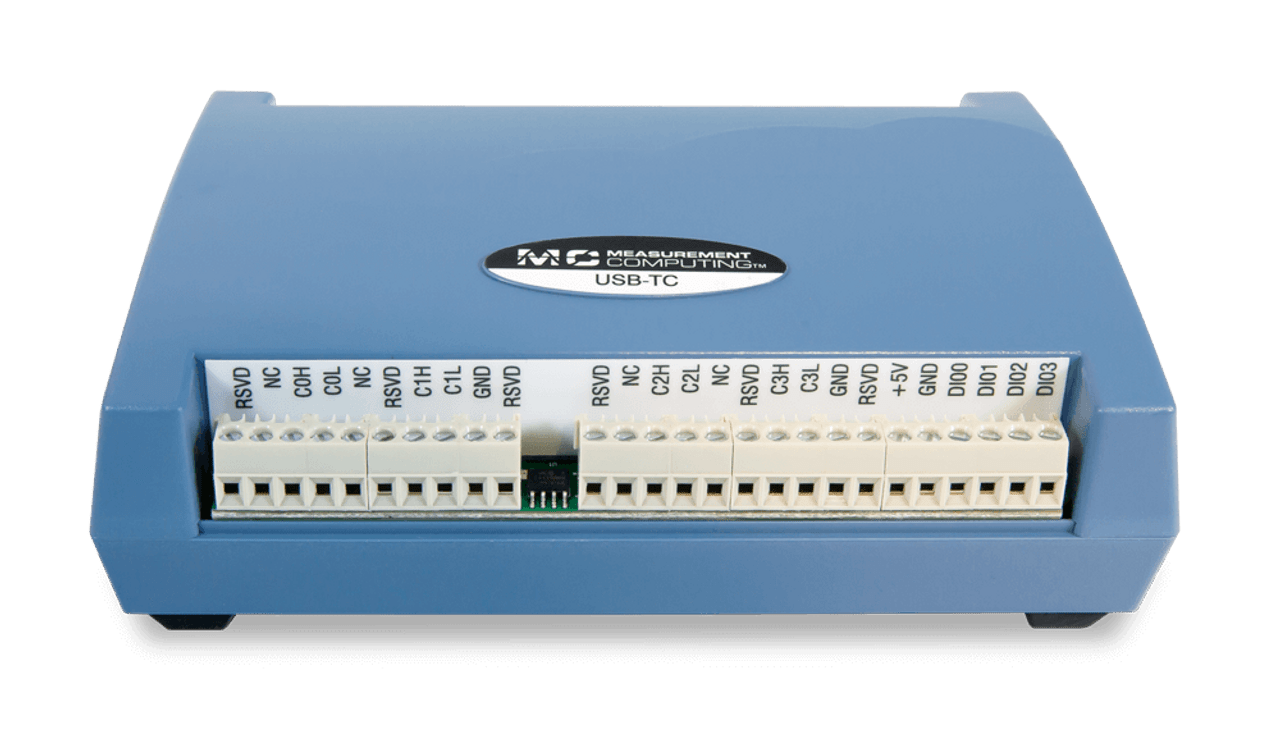

Measurement Computing Corporation (MCC) and Data Translation (DT) DAQ products are now part of the Digilent family of test and measurement solutions. MCC and DT are leading suppliers of data acquisition solutions that are easy-to-use, easy-to-integrate, and easy-to-support.
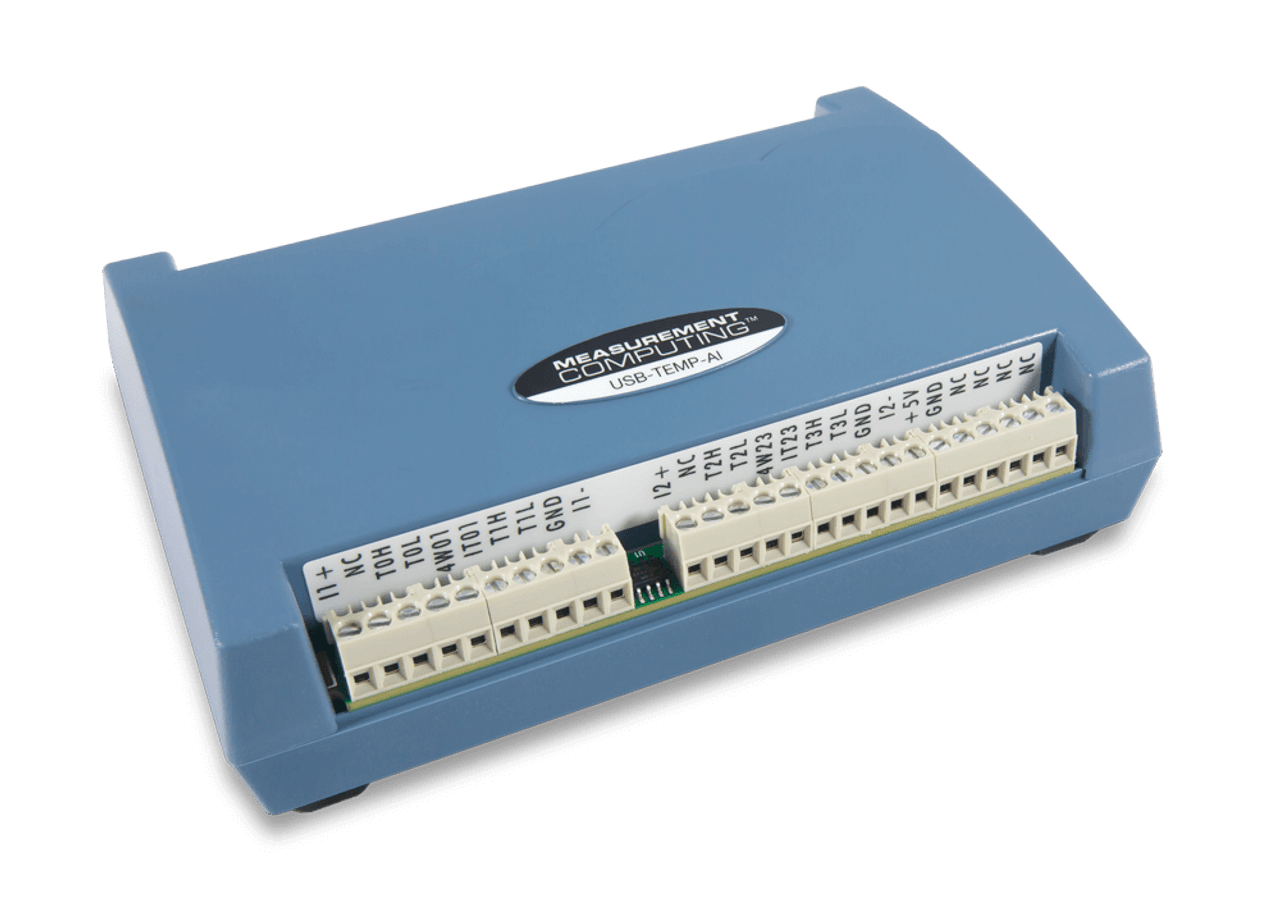
The USB-TC features eight, 24-bit analog inputs for precise thermocouple measurements, 2 S/s/ch sample rate, and 8 digital I/O.
The USB-TEMP features eight, 24-bit analog inputs for precise thermocouple measurements, 2 S/s/ch sample rate, and 8 digital I/O that supports thermocouple, RTD, thermistor, and semiconductor sensor types.
The USB-TEMP-AI also features eight, 24-bit analog inputs and a 2 S/s/ch sample rate. Four channels can be configured to measure various temperature sensors including thermocouples, RTDs, thermistors, and semiconductor sensors. The last four channels are capable of measuring voltage and offer the following input ranges; ±10, ±5, ±2.5, ±1.25 V. Eight digital I/O and one counter input are also provided.
Software support includes DAQami, an out-of-the-box application for data logging, visualization, and signal generation. Data can be viewed in real-time or post-acquisition on user-configurable displays. Drivers are included for the most popular applications and programming languages including Visual C++®, Visual C#®, Visual Basic®.NET, DASYLab®, LabVIEW™, MATLAB®, Linux®, and Python™.
OEM/Embedded Customers- please contact our sales department for volume pricing and assistance with your application.
- Eight DIFF analog inputs
- 24-bit resolution
- USB-TC: Eight thermocouple inputs (types J, K, R, S, T, N, E, and B)
- USB-TEMP: Eight temperature inputs (thermocouple, RTD, thermistor, semiconductor sensor)
- USB-TEMP-AI: Four temperature inputs (thermocouple, RTD, thermistor, semiconductor sensor) plus four voltage inputs (±10 V, ±5 V, 0-10 V, 0-5 V input ranges)
- 2 S/s/ch sample rate
- Eight digital I/O
- One counter input (USB-TEMP-AI only)
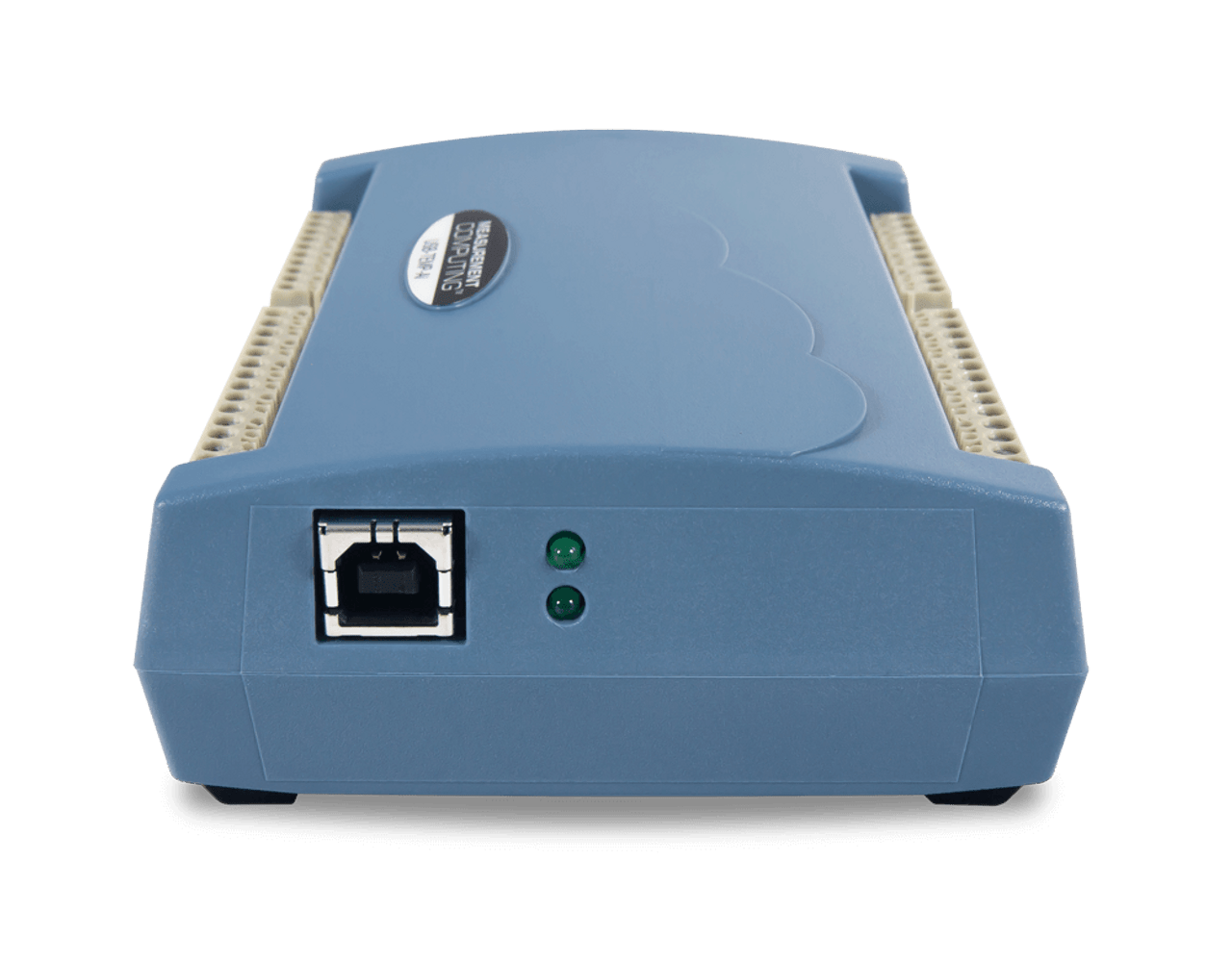
- No external power required
- USB-TC, USB-TEMP, or USB-TEMP-AI
- USB cable
- Printed insert: DAQami Quick Start
- MCC packaging assembly/foam, etc.
Prioritizing on ease of use and flexibility, MCC offers out-of-the-box software plus drivers for the most popular programming languages and applications.
Out-of-the-box software includes DAQami for data logging, visualization, and signal generation. For a more full-featured and customizable experience, DASYLab® provides real-time analysis and control, plus the ability to create custom applications without programming.
DASYLab can purchased directly from measX.
For maximum customization, drivers are included for Visual C++®, Visual C#®, Visual Basic®.NET, LabVIEW™, MATLAB®, Linux®, and Python™.
Out of the Box Software: DAQami - IncludedData Acquisition Companion Software for Acquiring Data and Generating Signals DAQami is an out-of-the-box application for data logging, visualization, and signal generation. Data can be viewed in real-time or post-acquisition on user-configurable displays. DAQami is ideal for interactive testing, data logging, and developing applications that run for minutes or days. Supported Operating Systems: Windows® 11/10/8/7/Vista®, 32-bit or 64-bit English, Chinese, and German language support. |
Custom Applications without Programming: DASYLab® - OptionalIcon-Based Data Acquisition, Graphics, Control, and Analysis Software DASYLab is an optional software package that offers real-time analysis, control, and the ability to create custom applications without programming. DASYLab is ideal for users that need more functionality than DAQami provides. Supported Operating Systems: Windows® 10/8/7. DASYLab can purchased directly from measX. |
Programming and Driver Support - Included
MCC programming and driver support is extensive and features comprehensive libraries and example programs for the most popular applications and programming languages including Visual C++®, Visual C#®, Visual Basic®.NET, LabVIEW™, MATLAB®, Linux®, and Python™.
Learn More About MCC Programming and Driver Support
To learn more about the complete software ecosystem, visit the MCC software page.
Quickly find what you need to get started and reduce mean time to measure.
All product support including documentation, projects, and reference material can be accessed through MCC resources.
Digilent ForumMCC DAQ Software
DAQ and Datalogging on Reference
Quick Links
MCC Software Quick StartMCC USB-TC Product Manual
MCC USB-TEMP Product Manual
MCC USB-TEMP-AI Product Manual
MCC USB-TEMP and USB-TC Series Datasheet
To find out more about if the USB-TEMP and TC Series is right for your project, contact our Sales Team:
Contact Sales