null

Zybo Z7: Zynq-7000 ARM/FPGA SoC Development Board

$299.00
(17 reviews) Write a Review
SKU:
410-351-10
Adding to cart… The item has been added

Note: Micro B USB cable is NOT included

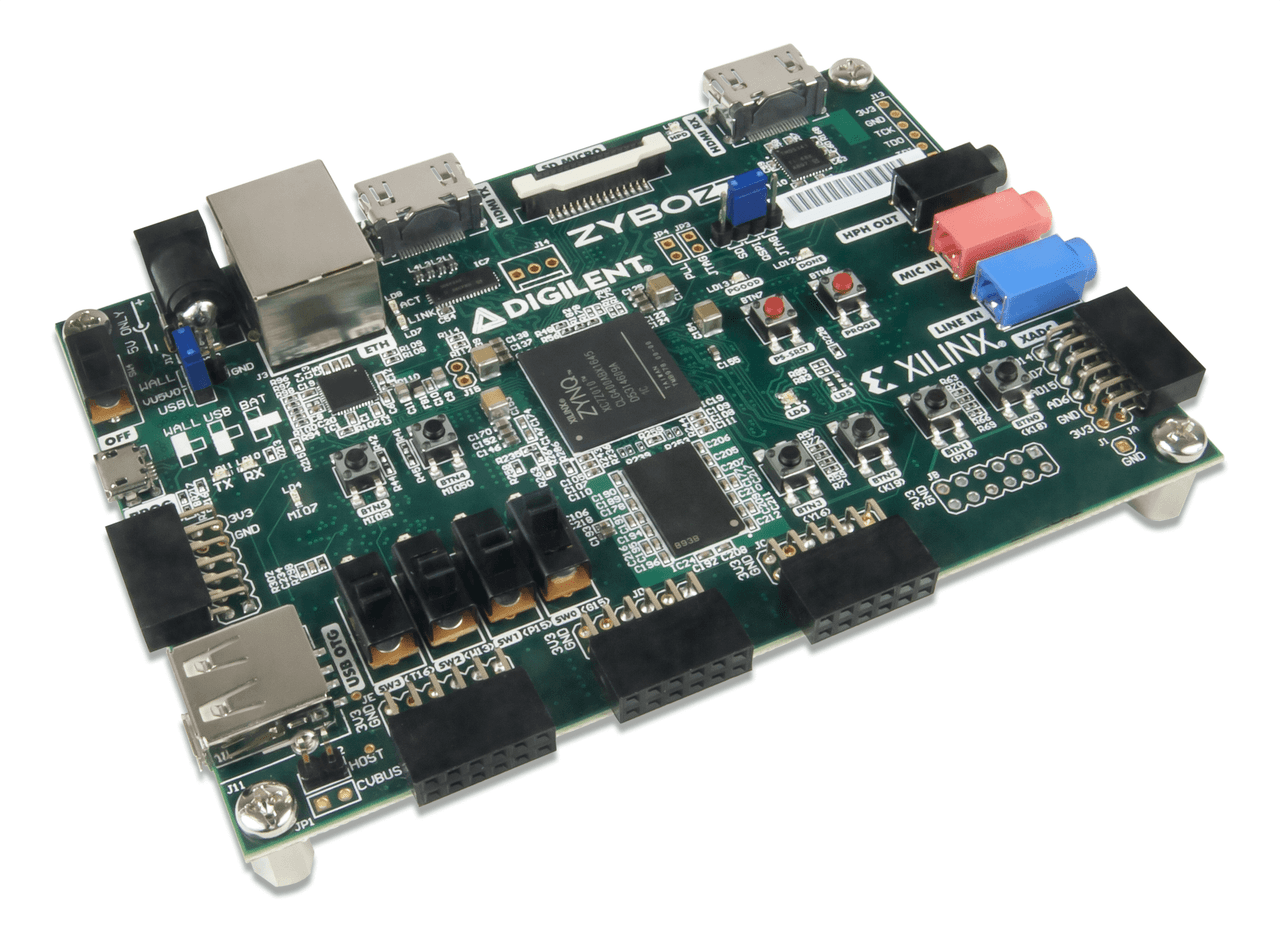
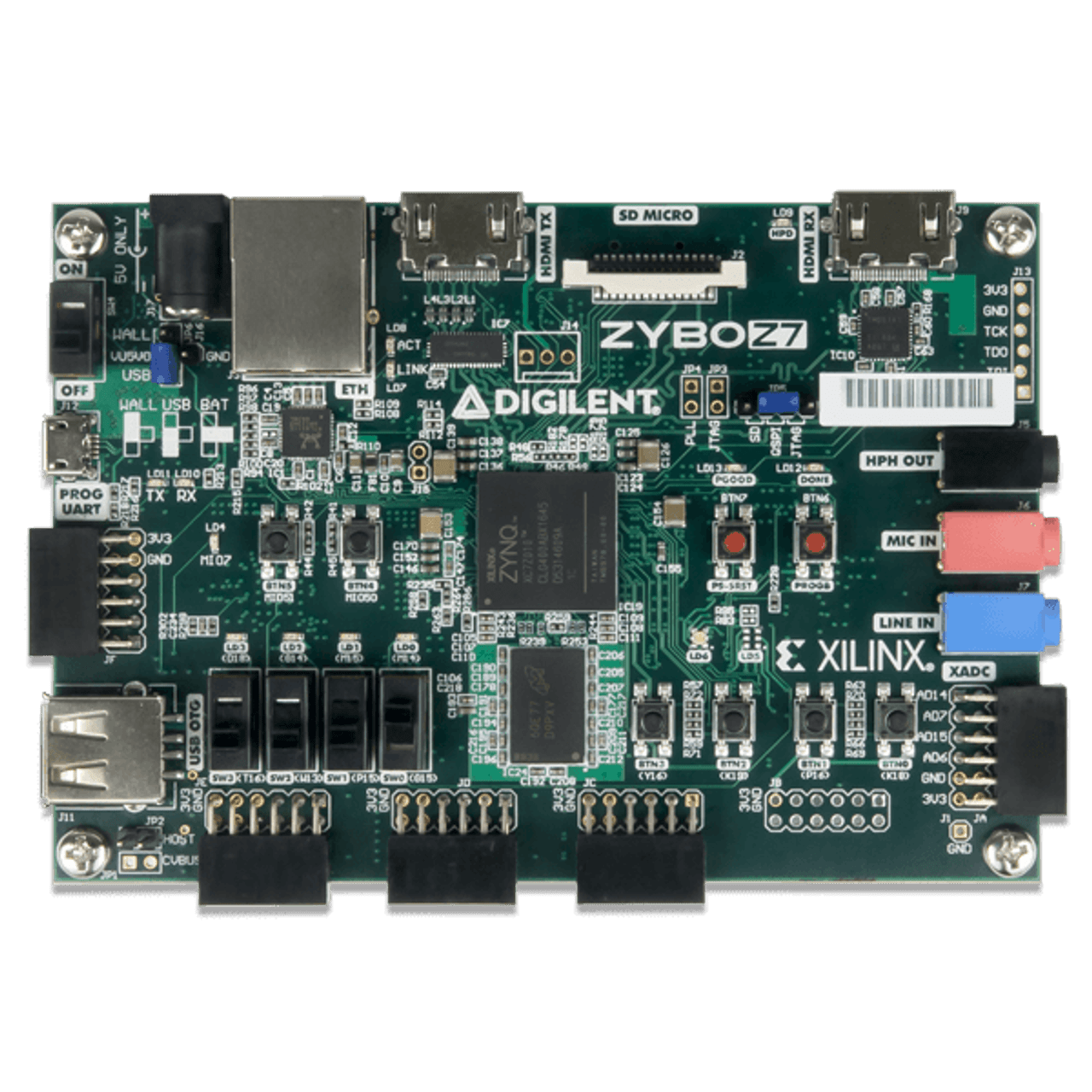
The Zybo Z7 is a ready-to-use embedded software and digital circuit development board built around the AMD Zynq-7000 family. The Zynq-7000 tightly integrates a dual-core ARM Cortex-A9 processor with AMD 7-series Field Programmable Gate Array (FPGA) logic.

A rich set of multimedia and connectivity peripherals make the Zybo Z7 a formidable single-board computer. A MIPI CSI-2 compatible Pcam connector, HDMI input, HDMI output, and high DDR3L bandwidth establish the Zybo Z7 as an affordable, yet capable, solution for high-end embedded vision applications. Attaching additional hardware is made easy by the Zybo Z7's Pmod connectors, allowing access to Digilent's catalog of over 70 Pmod peripheral boards, including motor controllers, sensors, displays, and more.

The Zybo Z7 is supported by AMD's Vivado Design Suite, including the free WebPACK version. You can also interact with the processing system (PS) with AMD's Vitis Unified Software Platform and PetaLinux Tools.

Guides and demos are available to help you get started quickly with the Zybo Z7. These can be found through the Support Materials tab.

Note for repeat customers: There has been a change to this product. More information can be found in the RTL8211E and W25Q128JV PCN documents, available through the Support tab.

To view our EMC Disclaimer, click here.

  • ZYNQ Processor
    • 667MHz dual-core Cortex-A9 processor
    • DDR3L memory controller with 8 DMA channels and 4 High Performance AXI3 Slave ports
    • High-bandwidth peripheral controllers: 1G Ethernet, USB 2.0, SDIO
    • Low-bandwidth peripheral controller: SPI, UART, CAN, I2C
    • Programmable from JTAG, Quad-SPI flash, and microSD card (Micro B USB cable NOT included).
    • Programmable logic equivalent to Artix-7 FPGA
  • Memory
    • 1 GB DDR3L with 32-bit bus @ 533 MHz (1066 MHz)
    • 16 MB Quad-SPI Flash with factory programmed 128-bit random number and 48-bit globally unique EUI-48/64™ compatible identifier
      • Due to supply chain constraints, the Spansion S25FL128S has been replaced by the Winbond W25Q128JV starting with revision D.0. These parts are not functionally equivalent, but flash programming through Vivado and the QSPI boot mode are not affected. More information can be found in the "Product Change Notice - Flash Memory" document, which can be found in the Zybo Z7 Resource Center, available through the Support tab.
    • microSD slot
  • Power
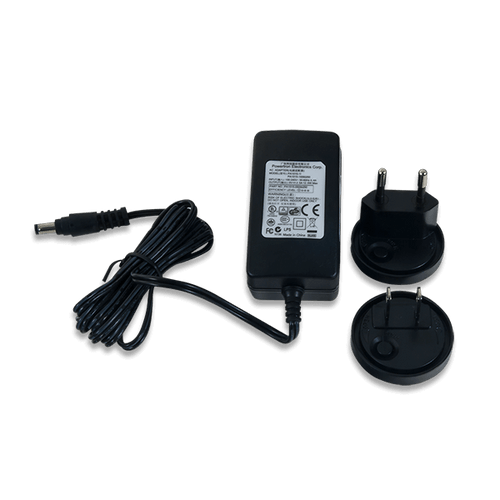
    • Powered from USB or any 5V external power source
  • USB and Ethernet
    • Gigabit Ethernet PHY
      • Due to obsolescence, the Realtek RTL8211E has been replaced by the Realtek8211F starting with revision D.0. These parts are not functionally equivalent, but the capabilities of the Ethernet port are not affected. More information can be found in the "Product Change Notice - Ethernet PHY" document, which can be found in the Zybo Z7 Resource Center, available through the Support tab.
    • USB-JTAG Programming circuitry
    • USB-UART bridge
    • USB 2.0 OTG PHY with embedded Host* and Device capabilities
      • *See the Zybo Z7 reference manual for more info on USB Host functionality
  • Audio and Video
    • HDMI sink port (input) with CEC (Zybo Z7-20) and without CEC (Zybo Z7-10)
    • HDMI source port (output) with CEC
    • Audio codec with stereo headphone, stereo line-in, and microphone jacks
  • Switches, Push-buttons, and LEDs
    • 6 push-buttons
    • 4 slide switches
    • 5 LEDs
    • 2 RGB LEDs
  • Expansion Connectors
    • 6 Pmod ports on the Zybo Z7-20 (5 on the Zybo Z7-10)
  • Product Compliance: 
    • HTC: 8471500150
    • ECCN: 5A992.c
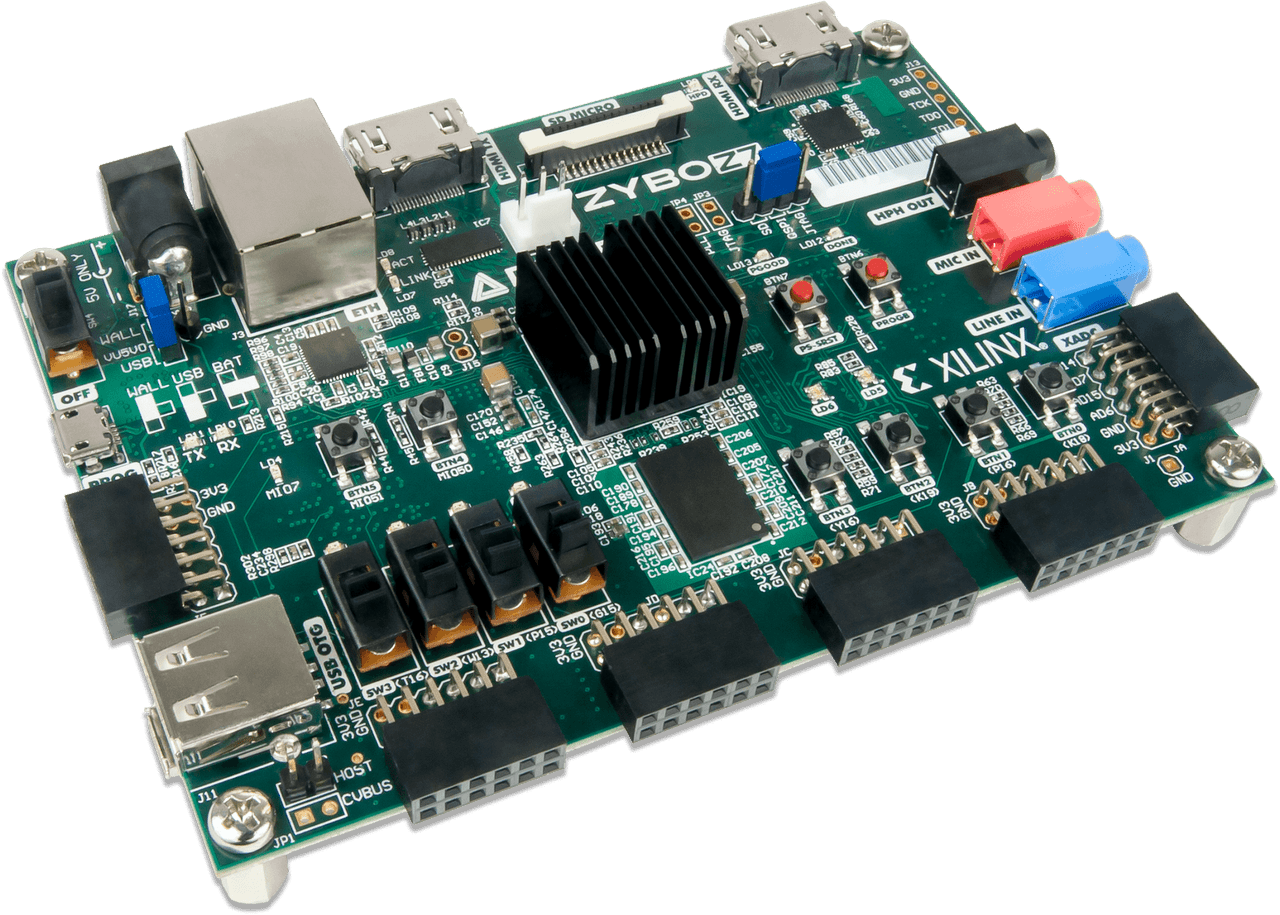
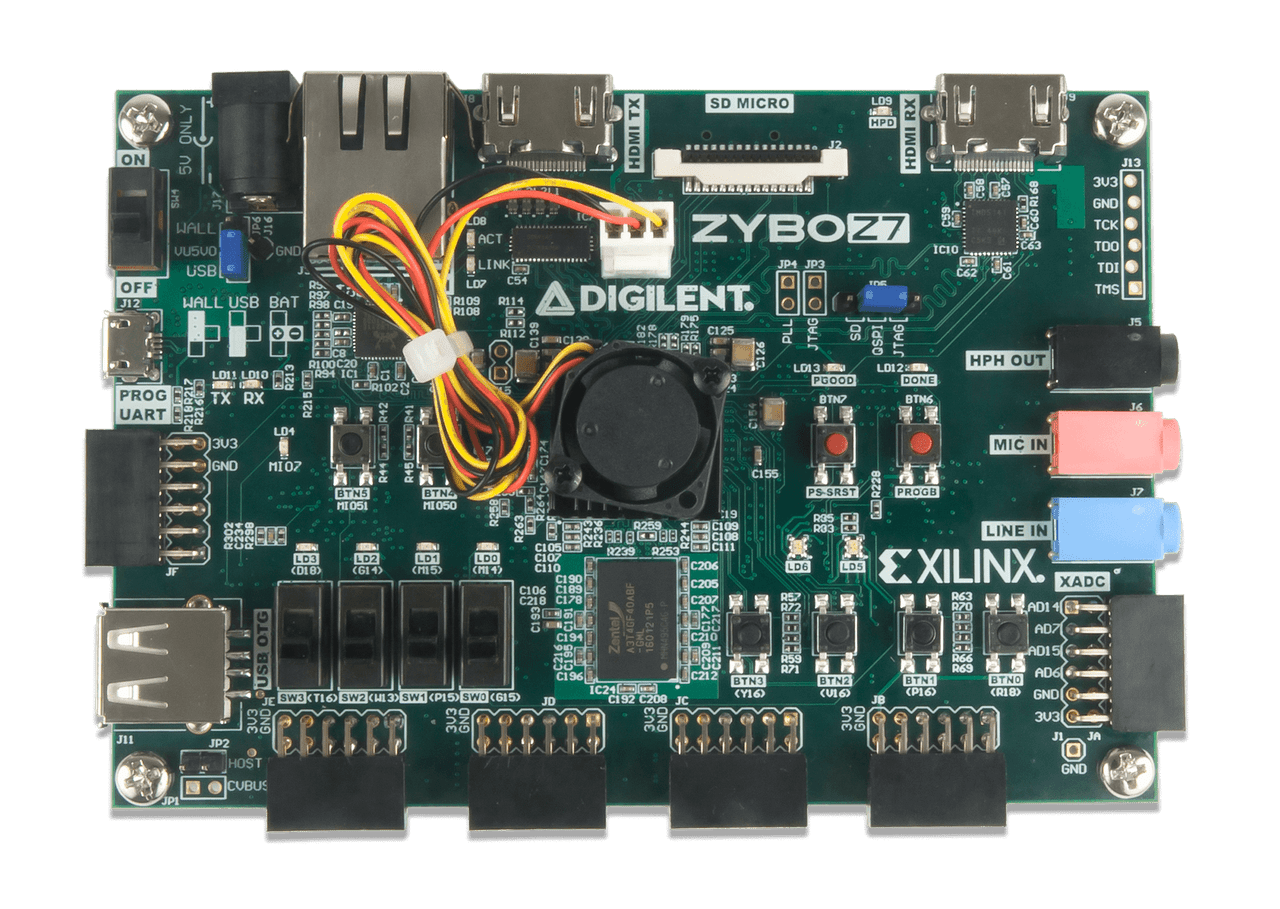
  • Zybo Z7-10 or Zybo Z7-20 (the Zybo Z7-20 variant comes with a heat sink)
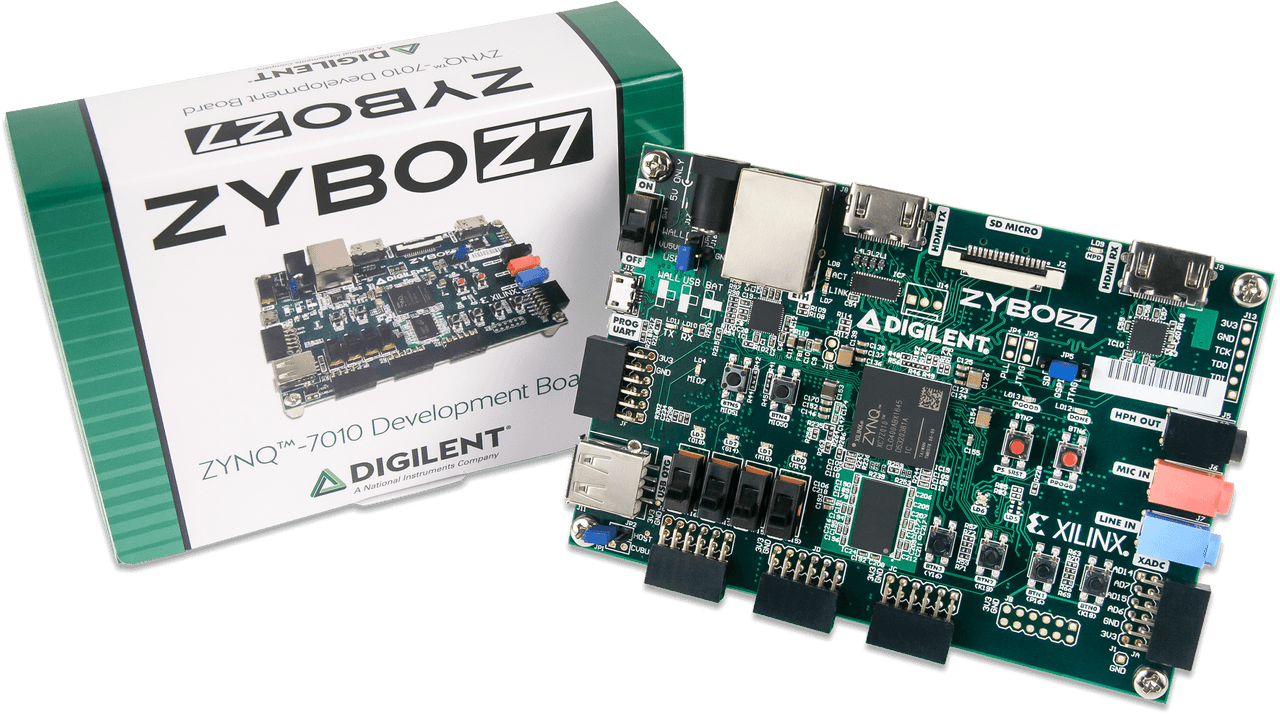
  • Digilent cardboard packaging with protective foam

To create and modify designs for your Zybo Z7, you can use AMD's Vivado Design Suite. Vivado is a software designed for the synthesis and analysis of HDL designs. Both variants of the Zybo Z7 are supported by the free WebPACK edition of the Vivado Design Suite.

You can use AMD's PetaLinux Tools to customize, build, and deploy Embedded Linux solutions on the Zynq-7000. While the Vitis Unified Software Platform enables the development of embedded software and accelerated applications on heterogeneous AMD platforms, such as the Zynq-7000.

Note: AMD software tools are not available for download in some countries. Prior to purchasing the Zybo Z7, please check the supporting software's availability, as it is required for the board's use.

Quickly find what you need to get started and reduce mean time to blink.

All product support including documentation, projects, and the Digilent Forum can be accessed through the product resource center.

Resource Center

Quick Links

Reference Manual
Schematic

Videos Hide Videos Show Videos

17 Reviews Hide Reviews Show Reviews

  • 5
    best buy

    Posted by Digilent Customer on 7th May 2020

    best buy

  • 4
    Nice product needs more elaborated examples and more ...

    Posted by Jesko on 10th Apr 2020

    I recently bought ARTY, ARTY A7 and now ARTY Z7 because it has HDMI connectors. Very positive: Hardware is a professional build board, which has no failures recognized so far (5 stars). There are several things I generaly do not understand: * According this review: Why is this input-field here SO SMALL ? Don't we have enough space on screen?? * Why there is a lack of elaborated AND FULLY working examples? + We have the HDMI example: It was under NO CIRCUMSTANCES possible for me to get the HDMI input working (Vivado 2018.2 and 2019.1) ! Always the yellow error LED was switched on. I suspect the power supply, but even connecting AN ORIGINAL power plug I had the same issue: no input signal. Output patterns were working (mostly! NOT always!). Hey ... professional work is different! * I would like to work with Vivado 2019.1 - examples refer to older veriosn (==> no update) * Version 2019.2 has no SDK anymore - what to do here ??? + I havent seen examples to get the ++ second ARM processor, ++ USB port, ++ SD Card and ... working ... * I haven't seen an example to get USB working + There is NO DIGILENT enclosure available for this device. + The description of using the SDK is missing that for the system to work with the debugger it is STRONGLY NEEDED to tag the "Reset entire system" check box in the Debug-Configuration. * I would prefer the ability to get versions with 2GB or 4GB of memory (even it would cost 50$/100$ more) * I missed status LEDs on the Eth-Plug (I know that there are some LEDs on the printed circuit Board, but this is not the same) * I couldn't understood, why (on the Zybo Z7 - 7010) one PMOD socket is not equipped (Cost :-)))) ??? * I would prefer a board of 1/2 or 1/4 size: No need for 5 PMods (one is ok), HDMI, but no analoge Audio, USB-C power (no need for different plug),... Thanks - at least it's some fun ... /Jesko

  • 2
    Obsolete Compared to Xiliinx Dev Tools

    Posted by Digilent Customer on 25th Mar 2020

    Although the hardware on these boards is nicely done and well documented, the accompanying software tutorials have not kept up with the latest versions of Xilinx' developer tools. Considering that Xilinx has made substantial revisions to their development software platforms, there is little meaningful documentation of how to get this system up and running with a modern toolchain.

  • 4
    good

    Posted by Ammar MERAZGA (algerian teacher) on 6th Sep 2019

    I am a teacher, these cards are bought for our students. it's almost half of my salary plus tuition (99 EURO) that I paid in France and subsequently the same customs fees I have to pay them in Algeria, so it can become a little expensive because the delivery directly in Algeria risks losing the package. so I paid as customs fee and delivery 246 EURO.

  • 5
    Nice board

    Posted by Dorfell Leonardo Parra Prada on 13th Oct 2018

    This is a nice board that allow to test hardcore and softcore processor, an integrate all the stages in the design flow of embedded systems. However, it would be nice to include a hard case to protect the board and a programming cable, maybe something similar to the Nexys 4 DDR hard case.

  • 4
    Great, but should have an FSBL creation tutorial.

    Posted by Leonid Ivanov on 27th Jun 2018

    I like this board a lot, it has a LOT of peripherals and a large SoC. One of the best Xilinx boards with camera support. Micro-SD is not included.

  • 3
    Incompatible with Zynqbook

    Posted by SL on 3rd Jun 2018

    If you intend to use this with the Zynqbook tutorials, look elsewhere. The provided materials do not support the Z7-20 model

  • 4
    Does not come with a Micro USB cable

    Posted by Digilent Customer on 10th Mar 2018

    First of all, I want to say that I love digilent products, they are well documented, and there are lots of online support; at least for the Zedboard, Zybo, and some of their PMODs I have worked with. The Zybo, so far is it working just as expected. I am using is for SoC course I am currently taking, and for a personal project. The online support for the older Zybo is humongous, and most of that support still applies to this updated board. Lots of IP cores available online. This is definitely the best bang for your buck, especially with student pricing. The only reason I am giving it 4 stars instead of 5, is because of Digilen;ts greediness. How can you not include a micro USB cable? Sure it might raise the price to $200 instead of $199 but for many of us it would be worth it. When I brought this up on their YouTube channel, this is the reply I got "Apologies that the reason given wasn't adequate. Since there are multiple ways of powering the board and USB micro cables are ubiquitous we made the choice to not include the cable. " So what happens when a school buys 200+boards at once, are they supposed to just whip out 200+ micro USB cables at once too? I found this ridiculous.